Ford Raptor Auxiliary Switch Wiring Guide | AUX & Upfitter Switch Diagrams
Table of Contents
Auxiliary Switch Wiring Guide | AUX & Upfitter Switch Diagrams
One of the best factory features found on the 2010-2026 Ford F-150 Raptor is the built-in auxiliary (AUX), also known as upfitter switches. Whether you're installing a new set of off-road lights, powering an onboard air compressor, adding a Starlink Mini, or wiring other 12-volt accessories, these factory switches make the installation process significantly easier. Instead of routing wiring through the firewall and installing aftermarket switches inside the cab, Ford designed the Raptor's AUX switch system with dedicated, fused circuits that are already wired into the engine bay and ready to power your accessories.
To make your next installation even easier, we've compiled the factory Ford Raptor AUX switch wire colors, fuse ratings, and wiring diagrams for every generation of the F-150 Raptor from 2010 to 2026.
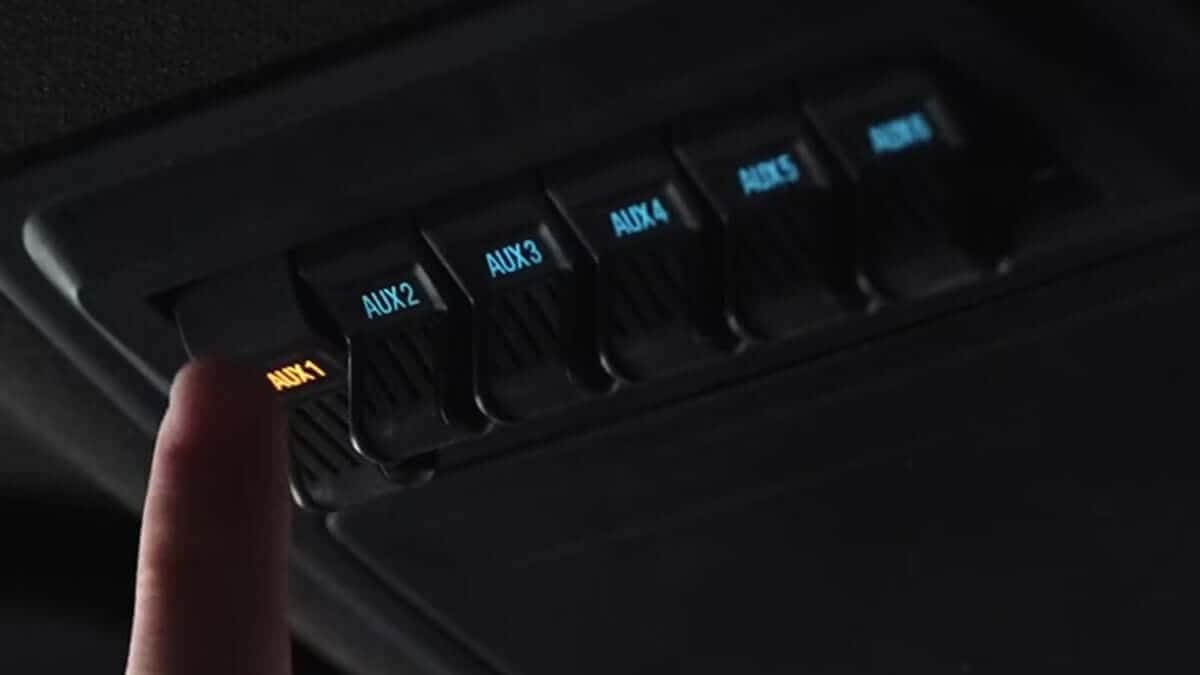
What Are Ford Raptor Auxiliary (Upfitter) Switches?
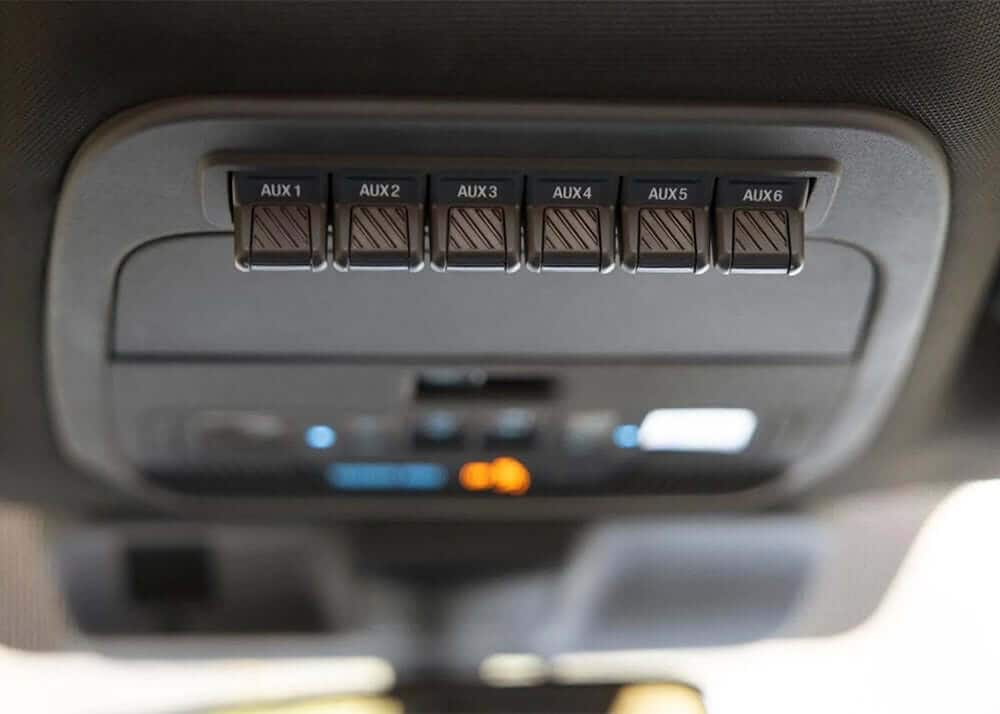
Factory auxiliary switches are overhead switches that allow you to control aftermarket accessories using factory-installed wiring. Each switch has its own dedicated fused circuit and corresponding wire located in the engine bay, allowing installers to connect accessories without running additional switch wiring into the cab.
This results in:
- Cleaner installations
- Less wiring through the firewall
- Factory appearance
- Individually fused circuits
- Easier troubleshooting
- Simple operation from inside the truck
Whether you're building an overland truck, a Baja-inspired prerunner, or a daily driver with a few upgrades, the factory AUX switches are one of the easiest ways to wire accessories.
What Can You Power with the Factory AUX Switches?
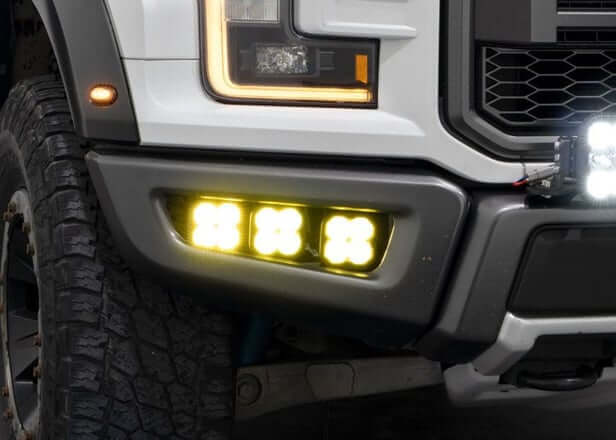
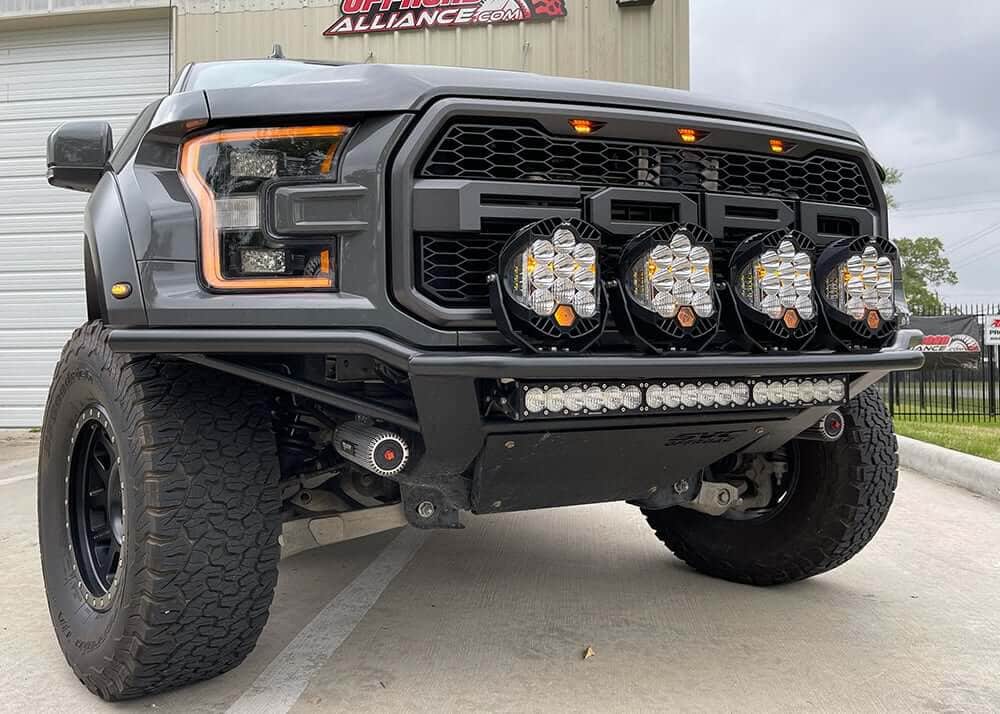
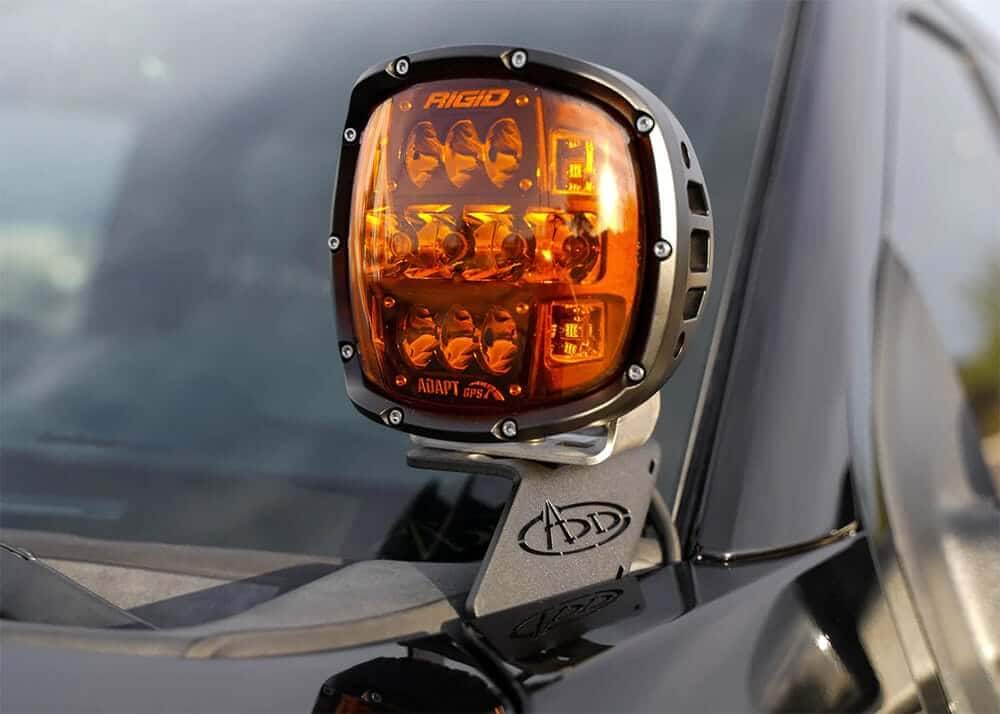
The factory upfitter switches are commonly used for a wide variety of aftermarket accessories, including:
- Light Bars
- Ditch Lights
- Fog Lights
- Chase Lights
- Rock Lights
- Onboard Air Compressors
- Starlink Mini
- GMRS & HAM Radios
- Refrigerators
- And many other 12-volt accessories
Because each switch has its own fuse rating, you can dedicate specific switches to different accessories depending on their power requirements.
Where Are the AUX Switch Wires Located?
One of the biggest advantages of Ford's factory upfitter switch system is that the wiring is already run for you. The accessory wires are located under the hood in the engine bay, making it easy to connect lighting, compressors, and other accessories without having to remove interior panels or drill through the firewall.
Simply identify the correct wire for the AUX switch you'd like to use, make your connection, and you're ready to go.
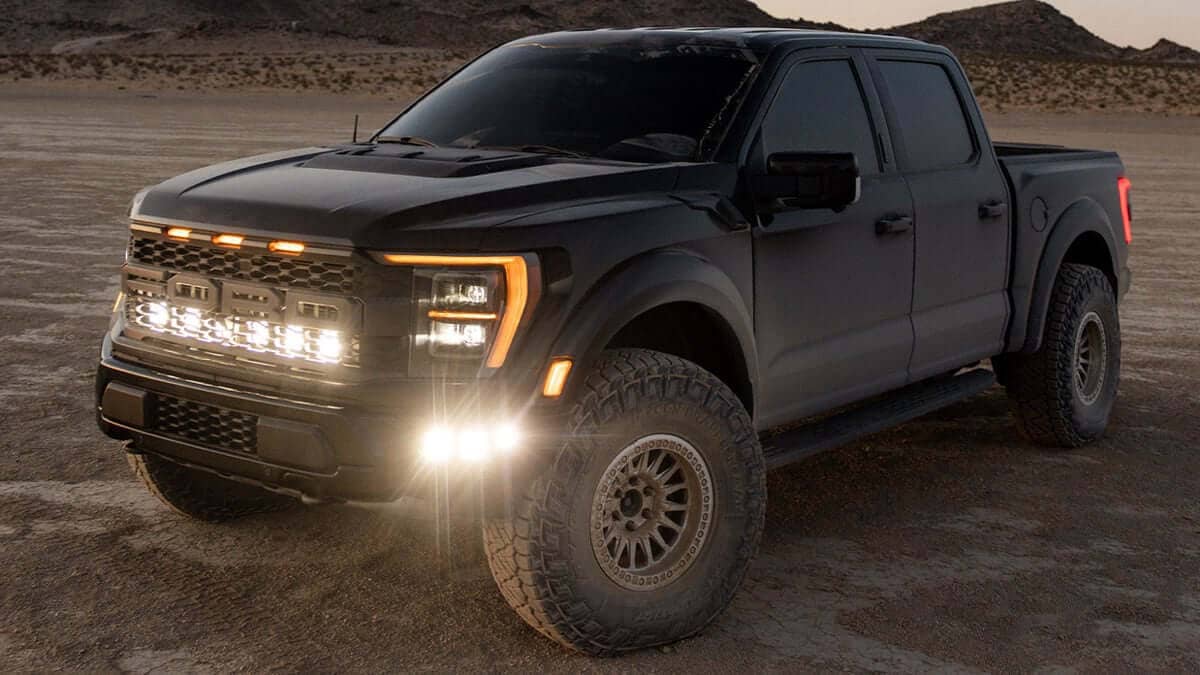
AUX Switch Wire Colors & Fuse Ratings
2021-2026 Ford Raptor (GEN 3) AUX Switch Wire Colors & Fuse Ratings
| Switch | Wire Color | Fuse Rating |
|---|---|---|
| AUX 1 | Violet / Green | 10A |
| AUX 2 | Green / Brown | 15A |
| AUX 3 | Yellow | 15A |
| AUX 4 | Brown | 10A |
| AUX 5 | Blue / Orange | 5A |
| AUX 6 | Yellow / Orange | 5A |
📢 Important Note for 2021–2026 Raptors
If your truck is equipped with factory Rigid fog lights, AUX 1 is already assigned from the factory.
This applies to:
- 801A High Package (37 Performance Package)
- 802A Raptor R
Rigid fog lights are also available as an option on select 800A and 801A trucks, so it's always a good idea to verify your truck's configuration before wiring a new accessory.
2020 Ford Raptor (GEN 2)
| Switch | Wire Color | Fuse Rating |
|---|---|---|
| AUX 1 | Yellow | 15A |
| AUX 2 | Green / Brown | 15A |
| AUX 3 | Violet / Green | 10A |
| AUX 4 | Brown | 10A |
| AUX 5 | Blue / Orange | 5A |
| AUX 6 | Yellow / Orange | 5A |
2019 Ford Raptor (GEN 2)
| Switch | Wire Color | Fuse Rating |
|---|---|---|
| AUX 1 | Green / White | 15A |
| AUX 2 | Brown / Blue | 15A |
| AUX 3 | Gray / Yellow | 10A |
| AUX 4 | Green / Brown | 10A |
| AUX 5 | Brown / White | 5A |
| AUX 6 | Green / Orange | 5A |
2017-2018 Ford Raptor (GEN 2)
| Switch | Wire Color | Fuse Rating |
|---|---|---|
| AUX 1 | Green / Blue | 15A |
| AUX 2 | Gray / Yellow | 15A |
| AUX 3 | Violet / Orange | 10A |
| AUX 4 | Brown / Blue | 10A |
| AUX 5 | Gray / Orange | 5A |
| AUX 6 | Yellow / Violet | 5A |
2010-2014 SVT Raptor (GEN 1)
The SVT Raptor came equipped with four factory auxiliary switches.
| Switch | Wire Color | Fuse Rating |
|---|---|---|
| AUX 1 | Yellow | 30A |
| AUX 2 | Green / Brown | 30A |
| AUX 3 | Violet / Green | 15A |
| AUX 4 | Brown | 10A |
Choosing the Right AUX Switch
Before wiring an accessory, it's important to know how much current it draws.
Always verify the power requirements of your accessories and follow the manufacturer's wiring recommendations before making any electrical connections.
Raptor Lighting Kits Designed for Factory AUX Switches
At Offroad Alliance, we offer a wide selection of Ford Raptor-specific lighting kits that include wiring harnesses designed to connect directly to the factory auxiliary switch wiring.
That means:
- No aftermarket switch panels
- No unnecessary wiring through the firewall
- Cleaner installation
- Factory-style operation
Whether you're installing bumper lights, A-pillar ditch lights, fog lights, chase lights, or roof-mounted lighting, many of our kits are designed to work seamlessly with the factory upfitter switch system.
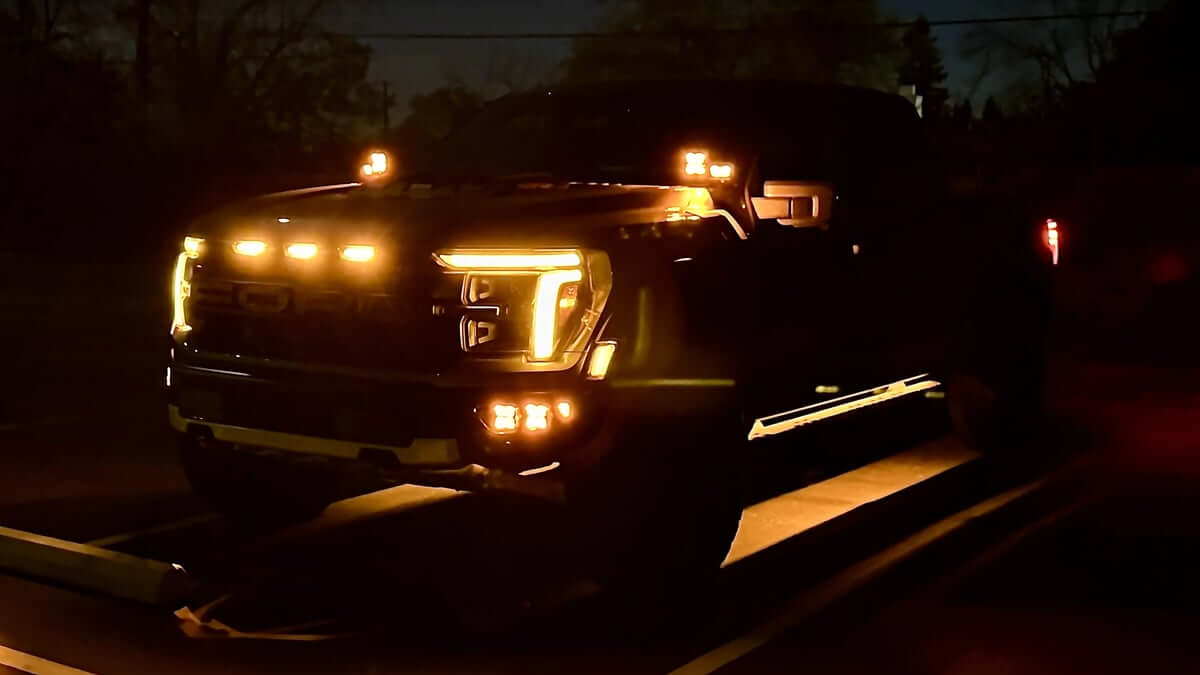
Why We Love the Factory Upfitter Switch System
Ford's auxiliary switch system is one of those features that continues to make the Raptor one of the easiest trucks to customize.
Instead of spending hours routing switch wiring into the cab, the hard work has already been done for you. Simply connect your accessories to the appropriate wire under the hood, choose the correct fuse rating for your application, and enjoy factory-style control right from the overhead console, or center console on the GEN 1.
It's one of the reasons the Raptor remains such a popular platform for off-road enthusiasts.
Shop Ford Raptor Parts & Accessories
Whether you're installing your first set of ditch lights or building a fully equipped overland Raptor, Offroad Alliance has the parts and expertise to help you get the job done.
We carry a large selection of:
- Ford Raptor LED Lighting
- Complete Vehicle-Specific Light Kits
- Light Mounts & Brackets
- Air Compressors
- Recovery Gear
- Suspension Upgrades
- Truck Bed Storage
- Overland Accessories
- Wheels & Tires
Our team installs and uses these products ourselves, so if you have questions about wiring, fitment, or choosing the right accessories for your truck, we're always happy to help.
Explore our full selection of Ford Raptor parts and accessories at OffroadAlliance.com.
Final Thoughts
The factory auxiliary switch system is one of the most valuable features available on the Ford F-150 Raptor, making it easy to add aftermarket accessories while maintaining a clean, factory-quality installation.
Whether you're wiring a new light kit, powering a Starlink Mini, or adding an onboard air compressor, we hope the above 2010–2026 Ford Raptor AUX switch diagrams help make your installation a little easier.
Be sure to bookmark this page for future reference, and check back as we continue expanding our collection of technical guides, installation tips, and educational resources for the Ford Raptor community.
FAQs
How did the physical layout and quantity of the auxiliary switches change between Gen 1 (2010–2014) and Gen 2/3 (2017–2026) Raptors?
Gen 1 Raptors feature 4 toggle switches located horizontally in the lower center console forward of the shifter. Starting with the Gen 2 Raptor in 2017 through 2026, Ford moved the cluster to an overhead console layout and expanded it to 6 toggle switches, offering more accessory control right from the factory.
Why is it dangerous to use a Gen 1 (2010–2014) wiring color-code schematic when working on a Gen 3 (2021–2024) or newer Raptor?
Ford changes the wire insulation color codes and tracer lines across different vehicle platforms. For example, a solid yellow wire or a wire with a green stripe may control AUX 1 on one generation but map to an entirely different circuit or amperage level on a newer generation. Always match the wiring diagram explicitly to the vehicle’s specific model year.
By default factory logic, do Ford Raptor upfitter switches provide constant 12V battery power or are they restricted to ignition-restricted operation?
They are ignition-restricted (Hot-in-Run). The switches will only deliver power to accessories when the truck's ignition is turned to the "On" or "Accessory" position. This safety feature prevents aftermarket accessories from accidentally draining the battery while the truck is parked and turned off.
Where are the factory pass-through wire bundles physically hidden inside the cabin and under the hood on Gen 2 and Gen 3 (2017–2024+) Raptors?
Inside the cabin, they are located under the passenger-side dashboard, usually taped to a main harness near the kick panel or behind the glovebox. Under the hood, they are found on the passenger side firewall, often tucked tightly beneath the cowl or hidden behind the battery box.